
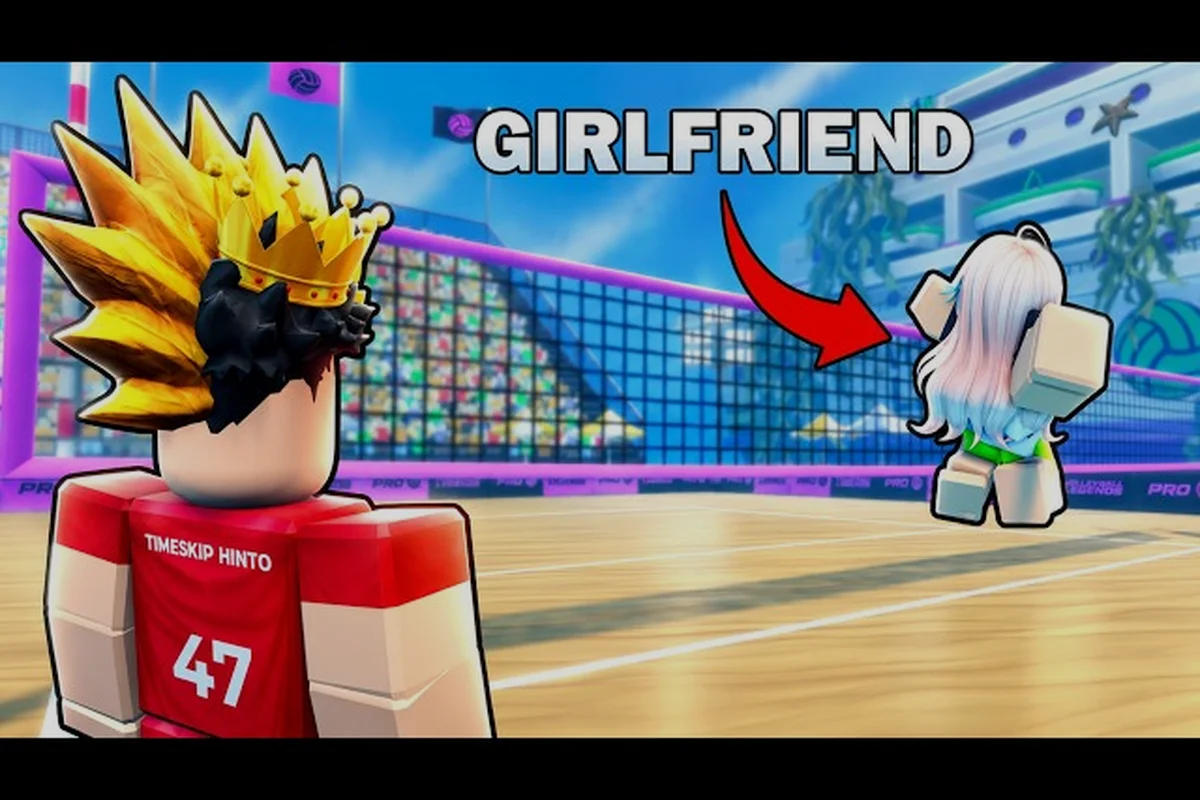
Getting your whole crew into the same Volleyball Legends lobby can turn a fun session into a frustrating one if the squad setup fights back. This guide breaks down exactly how to play with friends, manage team size, and troubleshoot the connection issues that split your group mid-queue. You will learn the lobby mechanics, region server quirks, and rejoin strategies that keep your rotation intact.
Understanding the Squad Lobby and Team Size Limits
The foundation of any successful group session starts with knowing how the lobby actually behaves. Volleyball Legends uses a party-based queue system where one player acts as the host and invites others before entering matchmaking. The game supports a standard team size of up to 6 players per side in casual lobbies, though competitive queues may lock rosters to smaller counts depending on the mode.
| Queue Mode | Max Party Size | Fill Allowed | Typical Wait |
|---|---|---|---|
| Casual Pickup | 6 | Yes | 15-45 seconds |
| Ranked Standard | 3 | No | 30-90 seconds |
| Custom Private | 12 | No | Instant |
| Event Weekend | 4 | Yes | 20-60 seconds |
Because the party leader controls the queue, everyone else must wait for the host to confirm the ready check. If a player disconnects during the lobby phase, the entire party gets pulled back to the main menu rather than filling with a random. This is a deliberate design choice to prevent squad splitting, but it also means one unstable connection can hold the whole group hostage.
Host Privileges and Invite Flow
The host has three core privileges: invite control, server region selection, and match cancellation. When you invite a friend through the in-game social panel, the invite expires after roughly 90 seconds if they do not accept. Community reports indicate that invites sent while the recipient is in a match will queue silently and deliver once they return to the lobby.
To form a reliable group, have the player with the most stable connection act as host. This reduces the chance of a host migration mid-queue, which currently resets the party and forces everyone to rejoin manually. The host should also confirm that all members are on the same region server before starting the queue, because cross-region parties often trigger longer wait times or failed matchmaking attempts.
Managing Region Servers and Queue Times
Queue times in Volleyball Legends vary significantly based on your selected region and the time of day. The game automatically assigns a default region based on your IP address, but the host can override this in the settings menu before queuing. Selecting a region with low population during off-peak hours can stretch a casual queue from 20 seconds to over three minutes.
| Region | Peak Hours (Local) | Avg Casual Queue | Avg Ranked Queue |
|---|---|---|---|
| NA East | 6-11 PM | 15-30 sec | 45-75 sec |
| NA West | 6-10 PM | 20-40 sec | 50-80 sec |
| EU Central | 7-11 PM | 15-35 sec | 40-70 sec |
| Asia Pacific | 8-11 PM | 25-50 sec | 60-100 sec |
| South America | 7-10 PM | 30-60 sec | 70-120 sec |
Players who queue as a full party often experience slightly longer wait times than solo players because the matchmaker needs to find an opposing team with a similar group composition. The system prioritizes fair team balance over speed, which means a six-player squad will typically wait for another six-player squad rather than facing a mix of solo queuers.
Reducing Queue Time for Full Squads
One practical trick is to queue during peak hours for your region rather than late at night. The matchmaker has a larger player pool to draw from, which reduces the time it spends searching for an appropriate opponent. If your squad is flexible, consider switching to a more populated region server even if it means slightly higher ping.
Another factor is the party size modifier. A duo or trio often finds matches faster than a full six-stack because the system can pair them with other small groups or fill remaining slots with solo players. If your group is struggling to find a match, splitting into two smaller parties and queuing simultaneously can sometimes land you in the same lobby, though this is not guaranteed.
Troubleshooting Connection Issues That Split Your Squad
Connection problems are the most common reason squads get separated. When a player's ping spikes above 200ms or their connection drops entirely, the game may remove them from the party and place them in a rejoin queue rather than holding their spot indefinitely. This is especially common on wireless connections or when background downloads are running.
| Issue | Symptom | Quick Fix |
|---|---|---|
| High Ping | Rubber-banding, delayed inputs | Switch to wired connection, close background apps |
| Party Desync | Members appear offline | Restart game client, re-invite from host |
| Failed Matchmaking | Queue resets after 2 min | Verify all members on same region |
| Mid-Match Drop | Player removed from server | Use rejoin match feature within 60 sec |
| Host Migration | Party disbands | Re-form party, assign new host |
The rejoin match feature is a critical safety net for squads. If a player disconnects during an active match, they have a 60-second window to reconnect before their slot is forfeited. During this window, the remaining players continue the match with an AI-controlled substitute, which prevents an instant loss. However, if the disconnected player was the host, the party may need to be rebuilt from scratch after the match concludes.
Preventing Drops Before They Happen
Most connection issues are preventable with a few pre-game checks. Have every squad member run a quick ping test to the selected region server before queuing. If anyone shows consistent ping above 150ms, consider switching regions or having that player reset their router. Closing bandwidth-heavy applications like streaming services or large downloads also stabilizes the connection during ranked matches.
The game's network stability indicator in the lobby shows a green, yellow, or red icon next to each player's name. If anyone shows yellow or red, address the issue before starting the queue. A single unstable connection can cause the entire party to experience rubber-banding and delayed inputs, which makes coordinated plays nearly impossible.
Rejoining a Match After a Disconnect
The rejoin system in Volleyball Legends is straightforward but time-sensitive. When you disconnect, the game client displays a reconnection prompt on the main menu. Selecting this prompt within 60 seconds returns you to the active match with your original position and score intact. After 60 seconds, the slot is filled permanently and you must wait for the next match.
| Rejoin Window | Action | Result |
|---|---|---|
| 0-15 seconds | Immediate reconnect | Full control restored, no penalty |
| 16-45 seconds | Reconnect after brief delay | AI substitute replaced, minor stat loss |
| 46-60 seconds | Last-chance reconnect | Return with 0 energy, must recover |
| 60+ seconds | Window expired | Slot forfeited, match continues without you |
The AI substitute that fills your slot during the disconnect window plays at a reduced skill level, which means your team is at a disadvantage until you return. This is why squads should have a backup caller who can direct the AI substitute's positioning while the disconnected player reconnects. The substitute will not use special abilities, so your team's offensive options are limited during this period.
What Happens to the Party After a Rejoin
If you successfully rejoin, the party remains intact and you continue the match as normal. However, if the disconnect was caused by a server-side issue rather than a local network problem, the entire match may be terminated and all players returned to the lobby. In this case, the party leader should immediately re-queue to minimize downtime.
Community data suggests that server-side disconnects are more common during major updates or high-traffic events. If your squad experiences repeated disconnects across multiple matches, check the official Volleyball Legends social channels for server status announcements before troubleshooting your own hardware.
Coordinating Your Squad for Better Matches
Beyond the technical setup, how you coordinate your squad directly impacts match quality. A well-organized group that communicates roles and rotations will outperform a disorganized stack even if individual skill levels are similar. The squad guide approach focuses on assigning clear responsibilities before the match starts.
| Role | Responsibility | Best Player Type |
|---|---|---|
| Setter | Controls ball distribution | High game sense, calm under pressure |
| Outside Hitter | Primary attack option | Strong spike timing, aggressive |
| Middle Blocker | Net defense, quick attacks | Tall, fast reaction time |
| Libero | Back-row defense, serve receive | Consistent passing, quick movement |
| Server Specialist | Aggressive serves, ace hunting | Precise aim, risk-tolerant |
| Flex Utility | Fills gaps, adapts to opponent | Versatile, reads the game well |
When you play with friends, take advantage of the voice communication options available on your platform. Calling out serve targets, blocking assignments, and rotation changes in real time gives your squad a significant edge over teams relying on text chat or pings. The best squads develop short callouts for common situations, reducing the time between reading a play and reacting to it.
Adapting to Your Opponent Mid-Match
Even the best pre-match plan needs adjustment once the rally starts. Pay attention to the opponent's serve patterns and blocking tendencies during the first few points. If their outside hitter consistently targets your libero, shift your defensive formation to cover that angle. If their middle blocker is reading your setter's intentions, mix in more back-row attacks to keep them guessing.
Squads that play together regularly develop implicit coordination that no amount of solo practice can replicate. This is why the pickup match guide emphasizes building a consistent group rather than relying on random teammates. The more matches you play as a unit, the better you anticipate each other's movements and decisions.
Frequently Asked Questions
How many friends can I play with in Volleyball Legends?
You can queue with up to 6 players in casual pickup matches and 3 players in ranked standard mode. Custom private lobbies support up to 12 players total, allowing full 6v6 matches with friends on both sides. The party leader controls invites and queue confirmation.
Why does my squad keep getting split during matchmaking?
Squad splitting usually happens when players are on different region servers or when one member's connection drops during the queue. Verify that all members selected the same region in settings, and have the player with the most stable connection act as host. Cross-region parties frequently fail matchmaking checks.
Can I rejoin a match after disconnecting?
Yes, you have a 60-second rejoin window after a disconnect. Select the reconnection prompt on the main menu to return to the active match. After 60 seconds, your slot is forfeited and an AI substitute continues playing. Rejoining within 15 seconds restores full control with no penalty.
How do I reduce queue times when playing with a full squad?
Queue during peak hours for your region and consider splitting into smaller parties if wait times exceed three minutes. A duo or trio finds matches faster than a full six-stack because the matchmaker can pair them with other small groups or solo players. Switching to a more populated region also helps.
What should I do if the host disconnects mid-match?
If the host disconnects, the party may disband after the match concludes. The remaining players should finish the current match, then re-form the party with a new host. Assign the most stable connection as host to reduce the chance of future host migrations. The rejoin feature still works for non-host disconnects.