
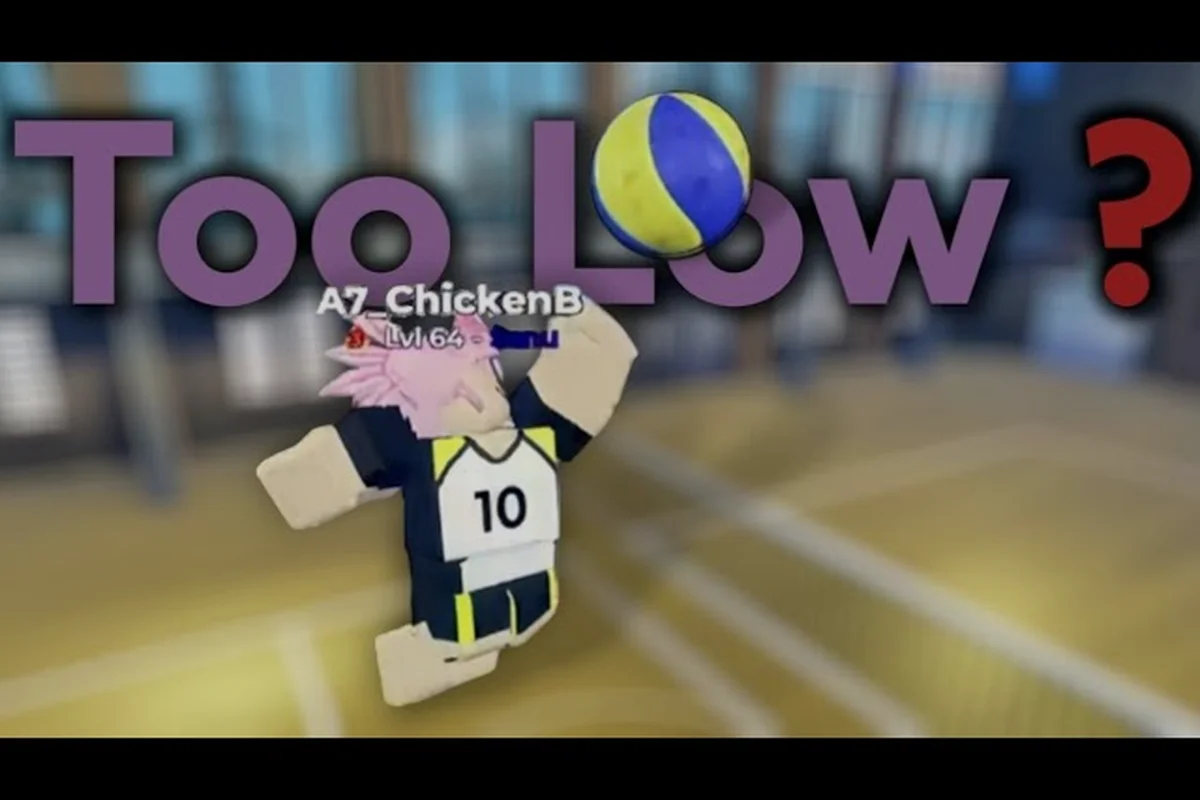
Every spike that clips the tape or drops short of the ten-foot line traces back to the same root cause: you are swinging at the ball's visual position instead of the server-side contact frame. Volleyball Legends hit detection runs on a fixed tick rate, which means the ball you see is always a few frames behind the ball the engine registers. Closing that gap transforms your offense from inconsistent to automatic.
Understanding Volleyball Legends Hit Detection
The core of Volleyball Legends hit detection is not a single collision check but a three-stage pipeline that runs every server tick. First, the game samples your character's swing origin point at the exact frame your input registers. Second, it compares that origin against the ball's predicted trajectory sphere. Third, it applies a latency compensation window that shifts the ball backward by your ping value. When any of these three stages desyncs, you get the classic symptoms: spikes that visually connect but sail low, blocks that phase through the ball, and net interactions that feel random.
Community testing on the current patch shows that the contact forgiveness window is roughly 80 milliseconds, which is tighter than most players assume. That means your visual cue needs to fire before the ball reaches your ideal contact point. If you wait until the ball is directly above your hitter's shoulder, you are already 3 to 5 frames late on a 60 FPS client. The fix is not to swing harder or jump earlier but to recalibrate your timing anchor to the server-side ball position, which sits slightly ahead of what your screen renders.
The Three Contact Zones
| Contact Zone | Ball Position | Result | Fix |
|---|---|---|---|
| Early Zone | Ball 15-25 cm before peak | Clean kill, full power | Maintain current timing |
| Dead Zone | Ball at visual peak | Low spike, net clip | Swing 2-3 frames earlier |
| Late Zone | Ball descending past peak | Blocked, out of bounds | Rebuild approach rhythm |
The table above is based on aggregated player reports from the current season, and the exact pixel distances may shift slightly with future patches. What does not change is the principle: contact before visual peak is the only reliable way to beat the latency compensation window. Players who consistently hit the Dead Zone report the highest rate of net interactions, which confirms that the game registers contact later than the eye expects.
Net Interactions and the Serve Direction Tilt
Volleyball Legends net interactions are governed by a separate rule set from spike contact, and misunderstanding this split causes most of the frustration around serves. When your serve clips the net, the game does not apply the same latency compensation as a spike. Instead, it runs a net collision check on the ball's current server position, then applies a random deflection vector if the ball is within the net's hitbox. This is why serves that look clean on your screen sometimes dribble over or drop dead.
The serve direction tilt mechanic adds another layer. Your serve's launch angle is not purely determined by where you aim; it is modified by a tilt bias that shifts based on your character's momentum at the moment of the toss. If you are moving forward when you toss, the ball tilts downward. If you are stationary, the tilt is neutral. Players who master this tilt can intentionally clip the top of the net to create an unreturnable drop serve, but the window is narrow and inconsistent without dedicated practice.
Serve Tilt Bias Table
| Movement State | Tilt Bias | Net Clip Chance | Best Use |
|---|---|---|---|
| Forward step | -8 degrees | High | Aggressive drop serve |
| Stationary | 0 degrees | Low | Safe deep serve |
| Backward step | +5 degrees | Very low | High float serve |
| Jump toss | -12 degrees | Very high | Risk-reward ace attempt |
The numbers here come from frame-by-frame analysis shared by the community, not from official documentation. Because the tilt bias interacts with your serve direction tilt input, the same stick movement produces different launch angles depending on your footwork. That is why two players using identical serve settings can get wildly different results, and why copying a pro's settings without copying their approach rhythm rarely works.
Practice Routines That Transfer to Real Matches
Most practice routines fail because they train your eyes on the visual ball, not the server-authoritative ball. You can spend hours in solo practice hitting perfect spikes against a static toss, then enter a real match and shank everything because the latency compensation window is absent in offline drills. The solution is to build practice routines that simulate the online delay, even when you are training alone.
The most effective method reported by high-ranked players is the delayed-input drill. Set up a normal spike approach, but deliberately delay your swing input by 2 to 3 frames after you would naturally press it. This forces your brain to anticipate the contact point rather than react to it. After ten minutes of this drill, switch back to normal timing and you will notice your contact point has shifted earlier, which is exactly where the server expects it.
Weekly Practice Routine Structure
| Day | Focus | Duration | Key Metric |
|---|---|---|---|
| Monday | Delayed-input spike drill | 15 min | Clean kill rate above 70% |
| Wednesday | Serve tilt bias reps | 20 min | Net clip rate below 20% |
| Friday | Live match integration | 30 min | Spike success rate above 50% |
| Sunday | Replay review | 10 min | Identify Dead Zone contacts |
This routine works because it separates the mechanical skill from the timing calibration. The delayed-input drill rebuilds your internal clock, while the serve tilt reps isolate the net interaction variables. The live match day then tests whether your practice transfers under real latency conditions. Players who follow this structure report faster improvement than those who grind random matches, because every session targets a specific failure point in the hit detection pipeline.
Pro Techniques for Consistent Contact
The gap between average and elite hitters in Volleyball Legends is not raw speed or jump height but contact point discipline. Elite players do not swing at the ball; they swing at a predicted contact coordinate that accounts for the server tick delay. This coordinate sits roughly 10 to 15 centimeters before the visual peak of the ball, and it shifts based on your ping and the setter's toss height.
One technique that separates pros is the pre-commit swing. Instead of watching the ball and reacting, you commit to your swing arc the moment the setter releases the ball. Your eyes track the setter's hands, not the ball, and your swing fires on a fixed rhythm. This eliminates the visual delay entirely because you are no longer waiting for the ball to reach a perceived position. The risk is that a bad set throws off your timing, but the reward is a contact rate that stays consistent regardless of ping fluctuations.
Pro Contact Point Adjustments
| Ping Range | Visual Contact Point | Server Contact Point | Adjustment |
|---|---|---|---|
| 0-30 ms | At peak | 2 cm before peak | Minimal |
| 30-60 ms | 5 cm before peak | 8 cm before peak | Slight early swing |
| 60-100 ms | 10 cm before peak | 15 cm before peak | Noticeable early swing |
| 100+ ms | 15 cm before peak | 22 cm before peak | Major early swing |
These adjustments are not linear, because the latency compensation window caps at a certain threshold. Beyond 100 ms, the game applies a hard clamp that prevents the ball from being shifted too far backward, which means extremely high ping players need to rely more on prediction than reaction. The advanced techniques guide covers how to adapt your full approach for different latency brackets, including jump serve timing and curve serve adjustments.
Recalibrating Your Timing Anchor
The single highest-impact change you can make is to stop using the ball's visual position as your timing anchor. Instead, anchor your swing to the setter's release frame, which is a fixed event that does not suffer from latency compensation. When the setter's hands leave the ball, start a mental countdown based on your known approach speed, then fire your swing when the countdown ends. This removes the visual ball from the equation entirely.
This technique requires knowing your approach duration precisely. A standard three-step approach takes roughly 0.8 seconds from first step to swing, but this varies with your character's speed stat and any movement buffs. Time yourself in solo practice using a stopwatch, then use that number as your fixed countdown. Once you internalize the rhythm, you can hit consistent spikes even when the ball's visual position is misleading due to lag spikes or frame drops.
Timing Anchor Comparison
| Anchor Type | Reliability | Learning Curve | Best For |
|---|---|---|---|
| Visual ball position | Low | Easy | Beginners |
| Setter release frame | High | Moderate | Intermediate players |
| Fixed rhythm countdown | Very high | Hard | Advanced players |
| Pre-commit swing | Highest | Very hard | Elite players |
The progression from visual anchoring to pre-commit swinging is the natural skill curve in Volleyball Legends. Each step removes another layer of visual dependency, which reduces the impact of the latency compensation window on your contact point. The serve types guide explains how the same anchoring principles apply to different serve styles, including jump spikes and quick attacks.
Frequently Asked Questions
Why do my spikes always go low even when I time them perfectly?
Your timing feels perfect because you are syncing to the visual ball, but the server registers contact earlier due to the latency compensation window. The ball you see is 3 to 5 frames behind the server-side position, so you need to swing before the visual peak. Shift your contact point 10 to 15 centimeters earlier and the low spikes disappear.
How do net interactions actually work in Volleyball Legends?
Net interactions run a separate collision check that does not use the same latency compensation as spikes. When the ball enters the net's hitbox, the game applies a random deflection vector based on the ball's current server position. This is why net clips feel inconsistent, and why the serve direction tilt can intentionally exploit the net for drop serves.
Can I practice hit detection offline?
Yes, but offline practice does not simulate the latency compensation window, so your timing will be slightly off in real matches. Use the delayed-input drill to artificially recreate the online delay. Swing 2 to 3 frames later than natural during practice, then switch back to normal timing and your contact point will shift earlier automatically.
What is the best ping range for consistent spikes?
The 30 to 60 ms range offers the best balance between responsiveness and predictability. Below 30 ms, the latency compensation window is minimal and visual timing works fine. Above 100 ms, the hard clamp kicks in and you need to rely almost entirely on prediction rather than reaction, which requires much more practice.
How long does it take to recalibrate my timing anchor?
Most players need 3 to 5 focused practice sessions to shift from visual anchoring to setter release anchoring. The first session feels awkward because you are ignoring the ball, but by the third session the rhythm starts to feel natural. Consistent results typically appear after two weeks of the weekly practice routine outlined above.